|
|
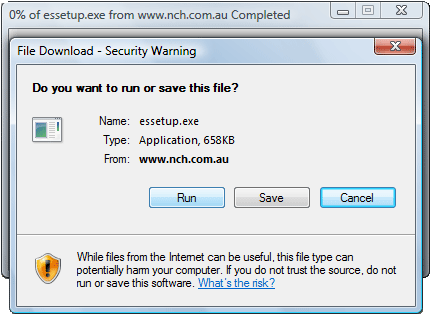
Express ScribeTutorial 1: Download, Install and Run Express Scribe for WindowsStep 1 of 4: Download Install FileTo start downloading the software click on the link www.nch.com.au/scribe/essetup.exe. The following screen may be displayed when download begins. We recommend that you should click Run unless you want to save the setup file to your hard drive then choose Save. (Note: You can skip Step 2 and continue with Step 3 if you choose Run).
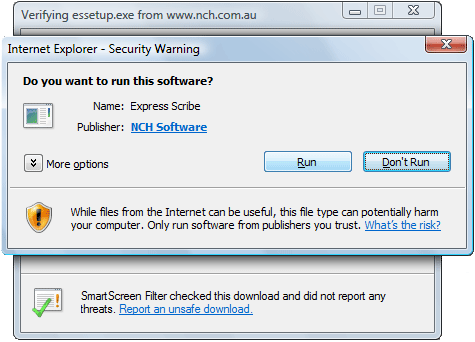
Step 2 of 4: Open Setup FileIf you clicked Run in Step 1, you may receive a security warning, click Run again if you receive this warning and go on to step 2.2.
Step 2B: If you clicked Save in Step 1 or if you are using FireFox or Chrome, you need to double click on the file "essetup.exe" in your downloads list for the browser you are using. Click Run when you see the screen below
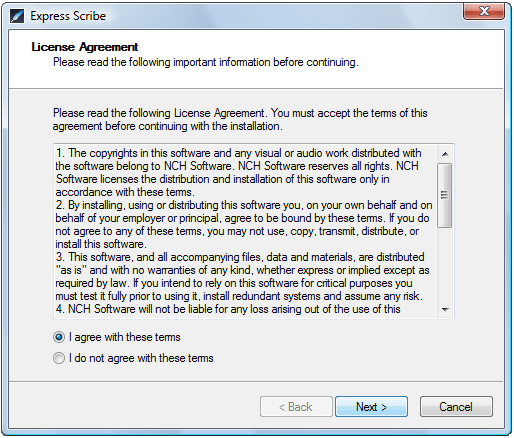
Step 3 of 4: License Terms & Related ProgramsAfter you have clicked run, the Express Scribe Software License Terms window will be displayed as below: Read the license terms and if you agree with them select "I agree with these terms" and click Next
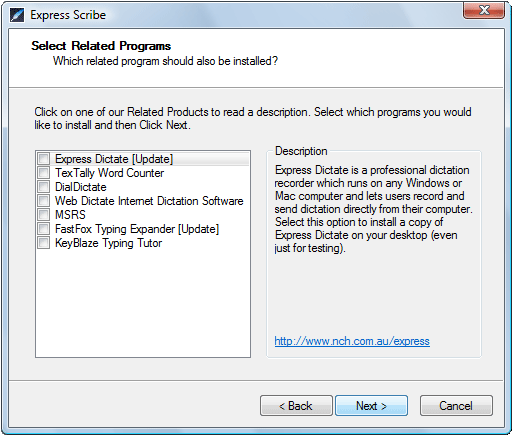
After the license terms appear a Related Programs dialog will appear. If you do not want to try any of the related programs then make sure all boxes are unticked. Click Next to finish the install
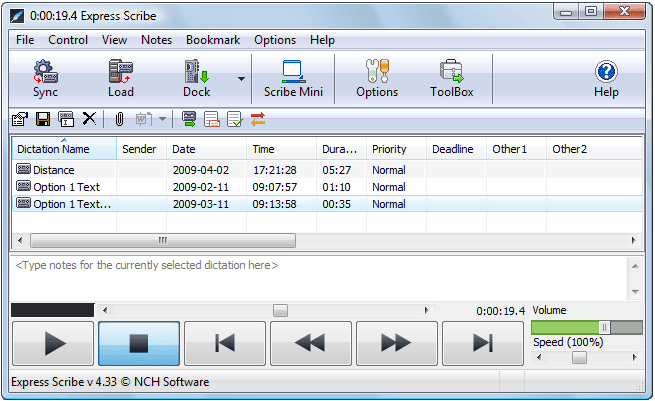
Step 4 of 4: Installation CompleteCongratulations. You have finished installation. Express Scribe is now ready to use and you can proceed to the next part of the online tutorial.
Next: Tutorial 2 - Basic Operations Tutorial >>> Click Here >>> |