 |
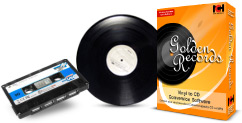
Golden Records Vinyl and Cassette to MP3 or CDConvert vinyl records & cassette tapes to digital audio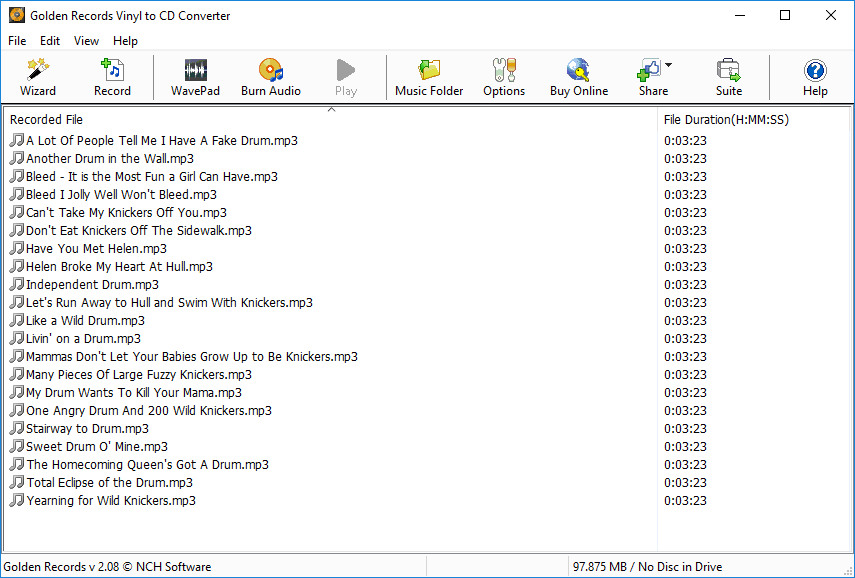 Golden Records converts your favorite records and cassettes to CD or MP3 files using your Mac or Windows PC. Golden Records is one of the most stable, easy-to-use, and comprehensive vinyl records & cassette tapes converters available.
High Quality CD and MP3 FilesGolden Records keeps your old favorites sounding their best
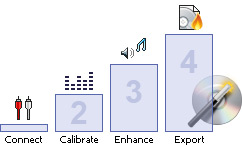
 Cassettes and Vinyl to MP3 or CD Made EasyEasy to use wizard takes you through the conversion process
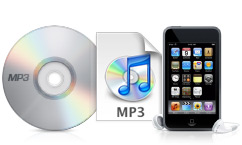
 Tape and LP Converter SoftwareUse Golden Records to convert your music for many different uses
 System Requirements
Download Golden Records Vinyl and Cassette ConverterPurchase Golden Records Vinyl ConverterRecommended HardwareWe have tested the following products sold by AltoEdge with our Golden Records vinyl to CD converter software. Related Software
| Vinyl to CD ConverterLP Converting Features System Requirements Screenshots Download Now - for Windows - for Mac Hardware Setup Guide Questions (FAQs) Technical Support Pricing & Purchase Related SoftwareMusic Editing Software Multitrack Music Recording CD DVD Burner CD DVD Labeling CD Ripper Software Audio Recording MP3 Converter Voice Recording More Audio Software... Recommended HardwareUSB Audio Turntables USB Audio Capture Device |
Smart Vinyl and Cassette ConverterEasily convert vinyl records or cassette tapes to CD, WAV or MP3 files in high quality. 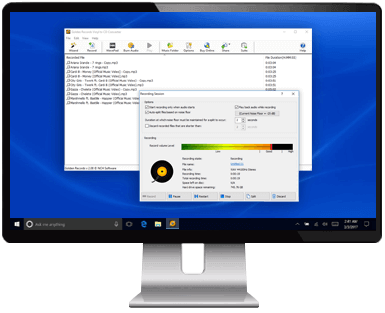 |
 Convert Your Vinyl or Cassettes to Digital Today


